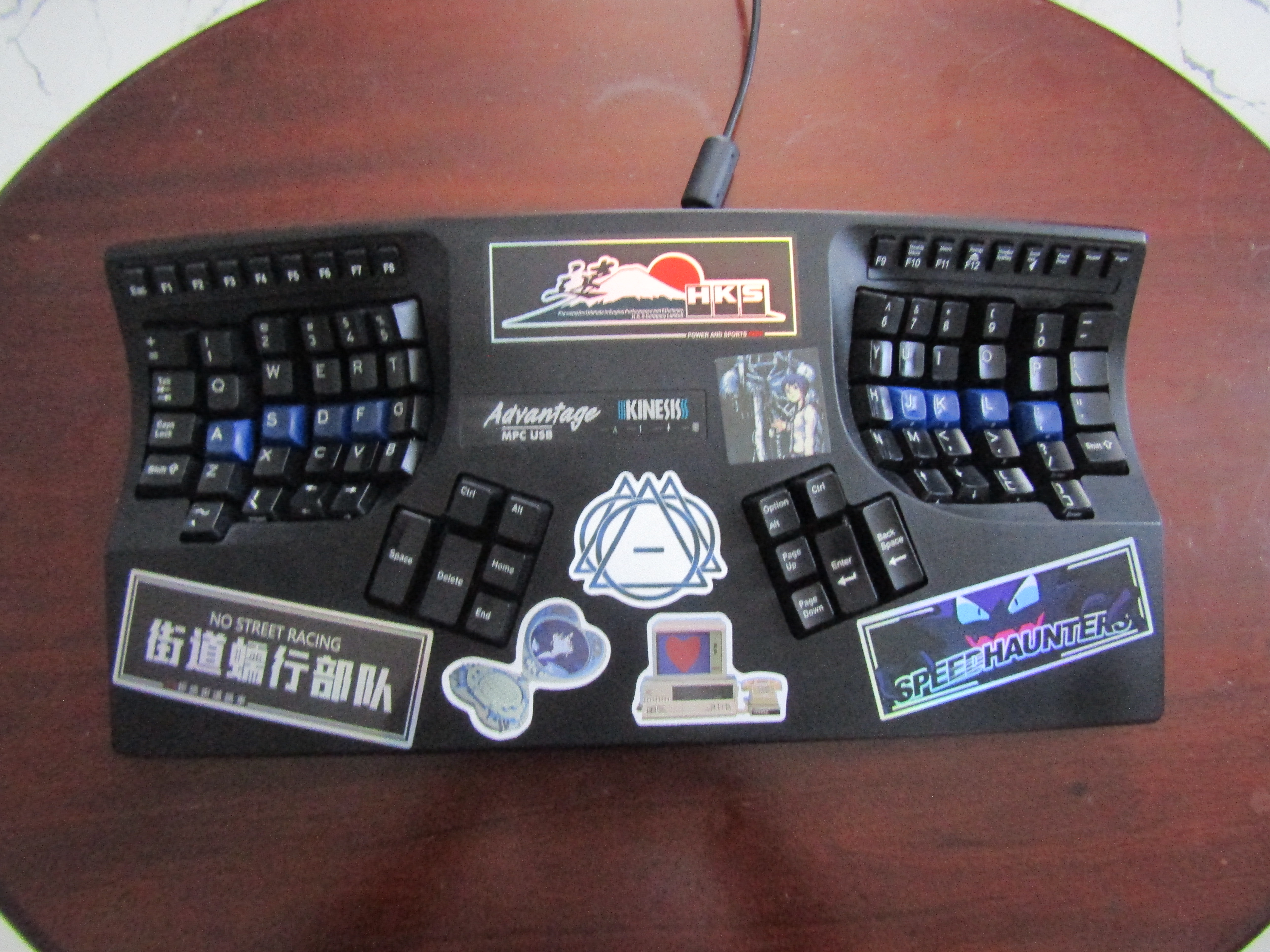
If you’ve seen my past Mastodon posts, I have recently acquired a Kinesis Advantage keyboard. I snagged it a little over two months ago, and so far I’m really enjoying it. I did say in a previous blog post that I wanted to write a proper review on it at some point, and this post is just that.
Overview
If you’ve never seen a Kinesis Advantage in the flesh, you’d be led to believe that it’s some sort of gargantuan MAMMOTH of a keyboard, and a complete BEAST to handle. In reality, It’s just a fairly long keyboard that’s surprisingly light; a peeve of many owners of this keyboard for obvious reasons. I mean… if you were to compare the build quality of the Advantage and Advantage 360, you’d be hard pressed to find anyone that wouldn’t immediately flock to the 360. The Advantage is simply a giant hunk of plastic with Cherry MX switches soldered to PCBs inside. Nevertheless, the board is relatively solid; while you can’t kill a person with it, it’s sturdy enough to last you many years with decent handling.
To describe the Kinesis Advangate itself, it is a unibody, split mechanical keyboard made by the company Kinesis. It draws inspiration from the prior Maltron keyboards, and sports the iconic concave keywells that make it such a beloved board. The first Kinesis board came out around the late 90s, and they’ve been kicking ass for ergo keyboard enthusiasts since. As a matter of fact, Kinesis is the reason we have Cherry MX Browns! Take that info as you will…
Getting The Keyboard on eBay
If I’m being honest, I was originally looking to purchase an Advantage 2 used off of eBay. The only problem with this plan was that nobody was selling them for relatively cheap. Unsurprisingly, these expensive keyboards seem to maintain their value for the most part, with only slight discounts being made on average. With this knowledge, I held my breath and waited to find a good deal; that is precisely when I witnessed a listing too good to be true: an older Advantage model for a little over 100 dollars! I was astounded, and purchased it as soon as I could. The original listing simply stated that the caps lock key wasn’t working and that the keyboard itself needed a deep cleaning. I took the gamble anyway and not too long after, my very own Kinesis keyboard was in my mailbox.
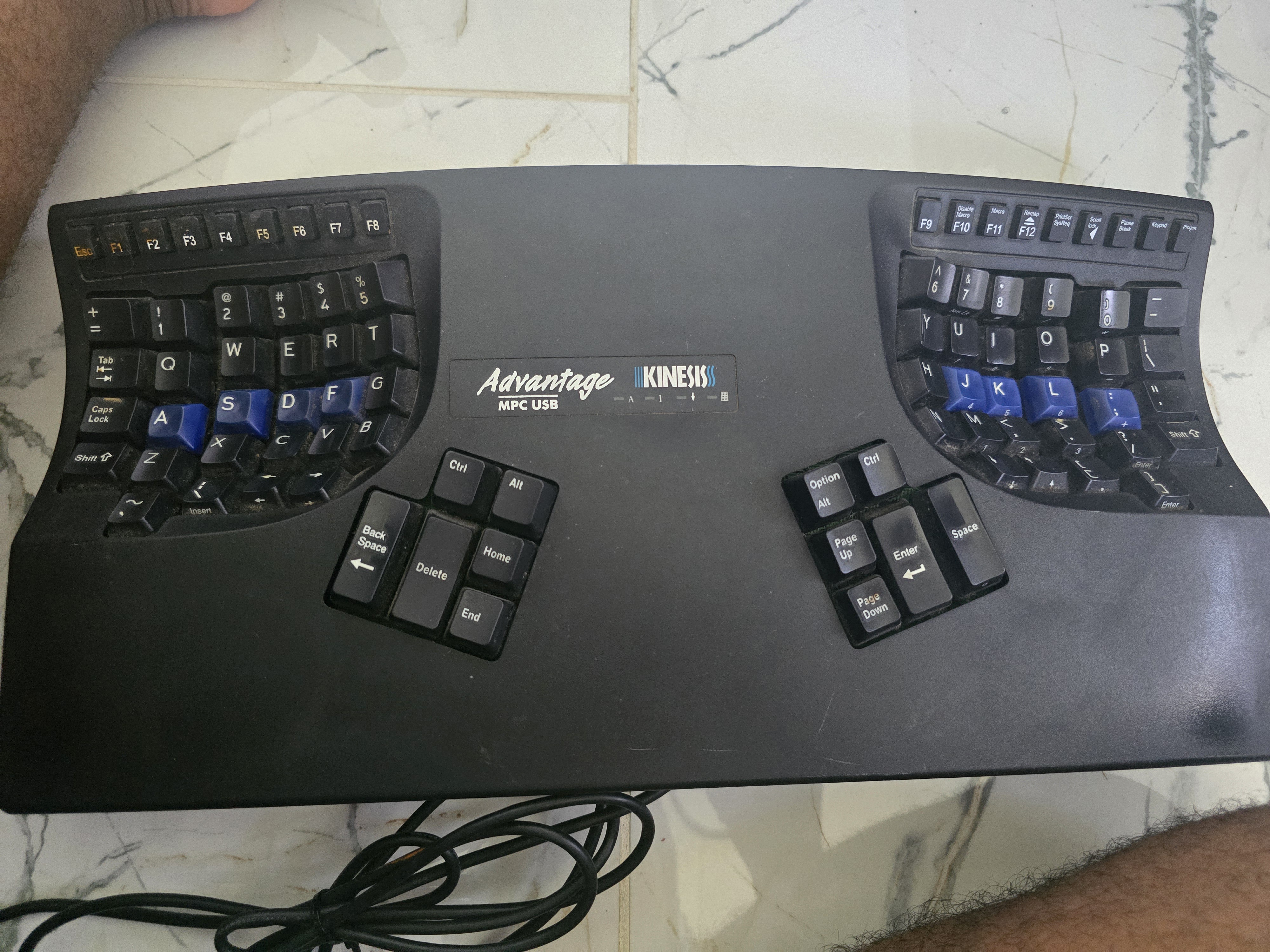
Much like the listing’s description, the keyboard was IMMENSELY dirty. I’m talking hairs (hopefully of the cat variety…), dirt and grime caked beneath the keycaps and even within the thumb clusters (which have no plate separating the switches from the PCB). That afternoon, I spent about half an hour cleaning the thing out, and I got it in pretty good condition:
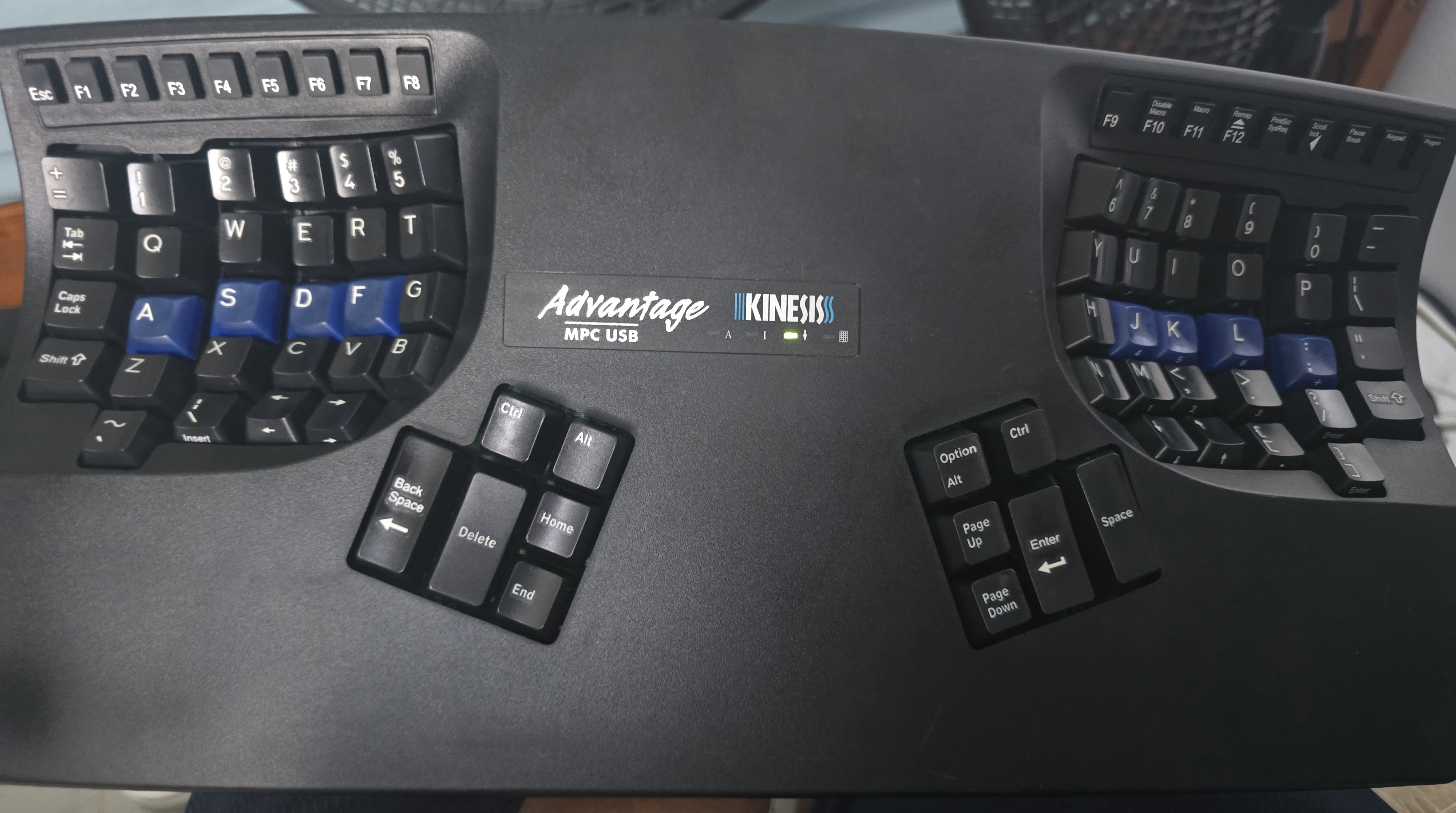
After getting it to a useable condition again, I finally got to try the board out proper and program it to my liking. I didn’t change much settings, but I managed to figure out that the caps lock key was simply rebinded to be escape by the previous owner (possibly a VIM user by chance?).
How Ergonomic Is It?
VERY.
I wish I were being facetious when I say this, but this keyboard, despite it’s significant age and bulky build, is a dream to type on. The way the keywells fit my hand, the thumb cluster, the simple programmability… it’s definitely not something to scoff at. I’ll try to go into specifics for anyone wanting a more in-depth explanation of what I like about the Kinesis.
What I Like
Concavity!
The main selling point of the Kinesis Advantage line of keyboards is their concave keywells, which allow your fingers to more naturally rest on the keys. I will say, the benefits of this are real. With standard flat keyboards, it can feel a bit annoying having to rest your fingers on a flat surface. With a curved kind of layout like the Kinesis Advantage, your fingers barely have to move as much due to the keyboard fitting the shape of your hand, rather than the opposite with standard boards. Trust me, once you get a taste you’ll either love it like I do or hate it and be wrong (I chide, hehe.)
Versalility via Size
Now something you may not have known is that I don’t have an actual desk setup. Most of my writing/computing is done entirely in my bed or while I’m at work. (Living in a smaller house with your family is a bitch, yeah.) Anyhow, the reason I mention this is because the Advantage is surprisingly comfortable to use while in your lap. Due to its unibody build and integrated palm rest, you can type even while you’re laying in bed and sloppily doing typing tests because you’re procrastinating writing a blog post you said you’d finish soon but…
Programmability!
For you QMK/ZMK fans out there, hear me out. While the rudimentary precursor to the Smart Set Engine by Kinesis may not be as versatile, being able to perform on-the-fly key remaps and program basic macros is a pretty sweet deal for what it’s worth. After basically resetting the board initially after cleaning, I was able to remap Caps Lock to Escape (fellow VIMmers, anyone?), swap the Space & Backspace keys, and remap the thumb cluster keys to have mirrored modifier keys on each hand. Very simple using the programming functionality, with no computer or internet connection required.
What I Don’t Like
Not Truly Split
Unlike keyboards such as the Glove80, Keyboardio Model 01, and Ergodox (all keyboards I have now!), the Kinesis Advantage is one big bulky behemoth. You unfortunately can’t split the halves down the middle and use them at whatever angle/orientation you prefer. And that’s not even mentioning the fact that it has a predetermined tenting angle – which should be sufficient for most individuals I guess, but leaves something to be desired by more hardcore keyboard enthusiasts.
Not Portable
This kind of serves as an extension of my previous point regarding the unibody nature, but I’ll really hammer it home for the people in the back. This keyboard is definitely not the best travel item. As I myself prefer the flexibility that smaller form factor devices have, I find the Advantage just too bulky to make it worth carrying; this keyboard is clearly meant to leave at your desk and keep it there.
Limited Programming Capabilities
I won’t sugarcoat it: I’m a QMK/ZMK fangirl. I love myself programmable, extensible keyboards. I don’t think I can live without home row mods, layers, combos, and tap dance; unfortunately, the Advantage suffers with a lack of versatility in its programming capabilities. You can use software like Kanata as a substitute, but having the programming within the keyboard’s firmware makes things much easier by allowing you to use your keyboard on any computer, any which way you prefer. Nevertheless, being able to do basic key remaps and some macros should be enough for a novice/normie entering the world of ergonomic keyboards.
Is the Kinesis Advantage Worth It?
YES. It’s definitely worth it in its own right. If you like the things I outlined before and beware the possible downsides, the Kinesis Advantage is worth it 10 times over. Are there other options that may serve to be more versatile? Yes, but at the same time this keyboard has it’s own place in this world. I don’t think any keyboard can fully replace the Advantage in its entirety, and I’m okay with that.
>> Home